Animated models
Send an animated character from Meshy to Maya with its skeleton and animation, ready to play in your scene.
Send an animated model
You send an animated model the same way as a static one. Before you start, run the bridge in Maya. For the steps, see Bridge to Maya.
To send an animated model, follow these steps:
-
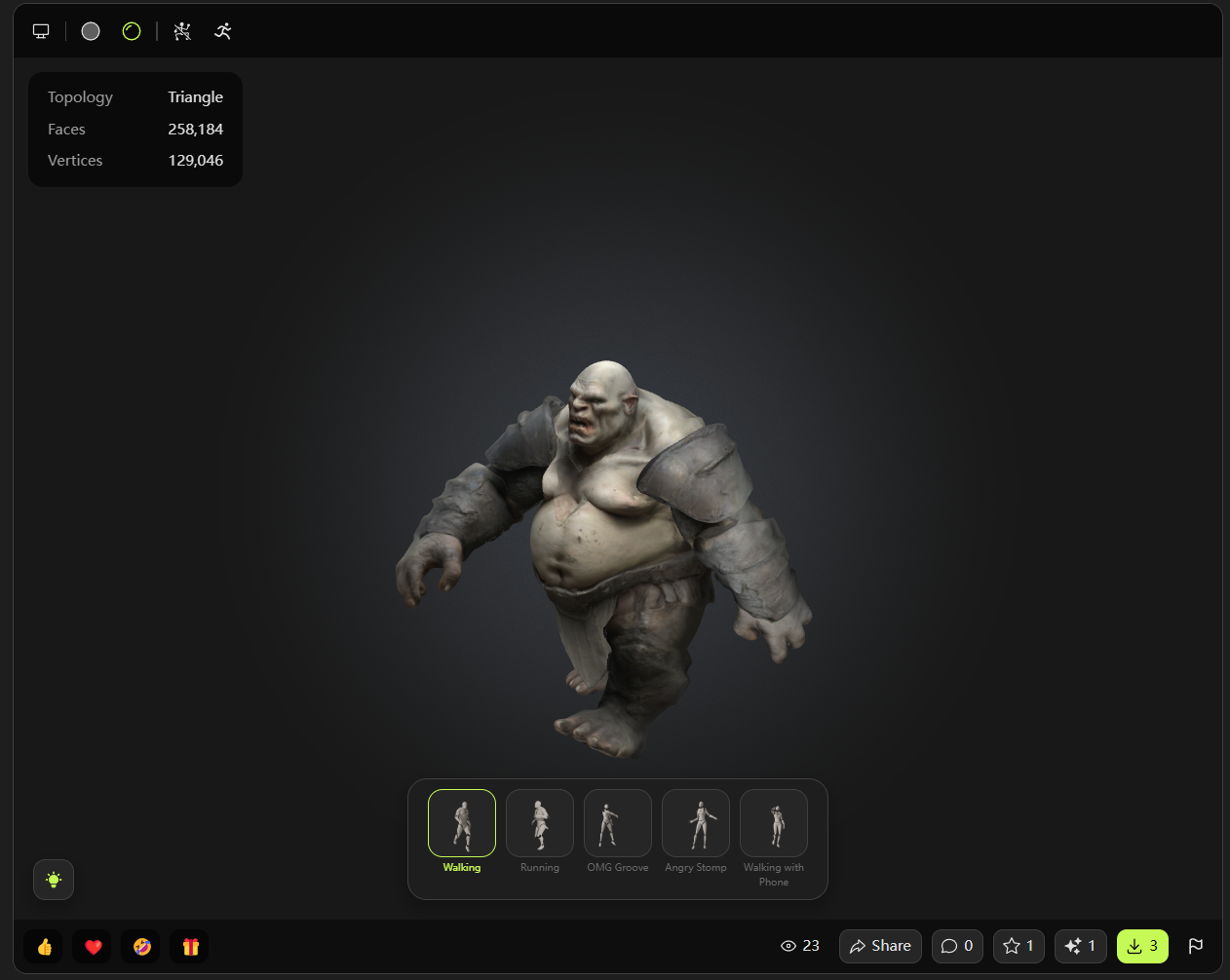
In the Meshy web app, open the animated model in the viewer.
-
Select the animation you want to send.
-
In the viewer toolbar, click DCC Bridge (the plug icon).
-
Click Send to Maya.
Meshy sends the rigged character with the selected animation at 30 frames per second. The plugin imports the character, its skeleton, and its animation into the open scene.
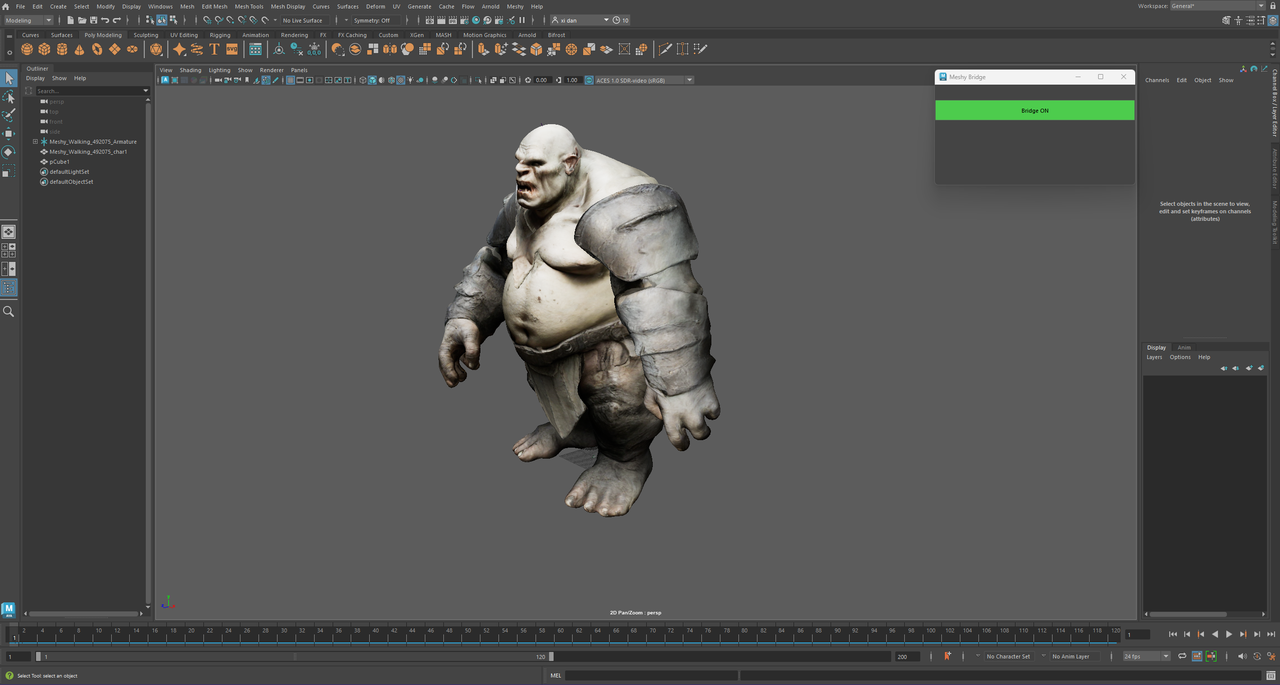
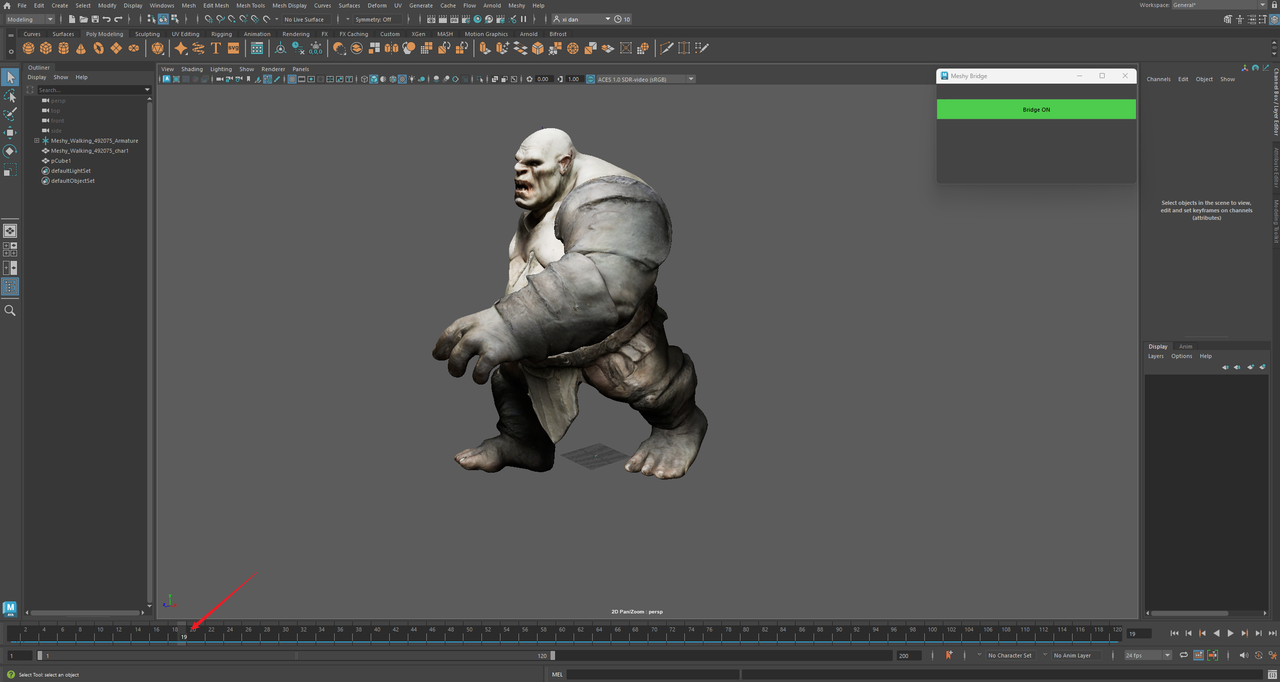
To preview the animation, drag the Time Slider.
Next steps
- To add more animations to a character before you send it, see Animation.