Bridge to 3ds Max
Send a model from the Meshy web app straight into your open 3ds Max scene, without downloading and importing the file by hand.
Before you begin
-
You need a Pro plan or higher. On the Free and Starter plans, clicking Send to 3ds Max opens the upgrade options.
-
Download and unzip the Meshy plugin for 3ds Max. For the steps, see Meshy for 3ds Max.
Start the bridge
To start the bridge in 3ds Max, follow these steps:
-
If the Meshy Bridge for 3ds Max window isn't open, click Scripting > Run Script, and then select
3dsmax_meshy_bridge.py. -
Click Run Bridge. The button changes to Stop Bridge, the status changes to "Status: Running", and the plugin waits for models from Meshy.
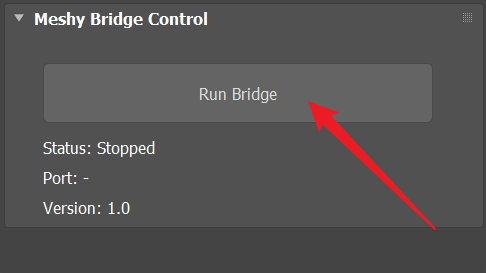
To stop the bridge, click Stop Bridge.
Send a model
To send a model to 3ds Max, follow these steps:
-
In the Meshy web app on a computer, open the model in the viewer. DCC Bridge isn't available on mobile.
-
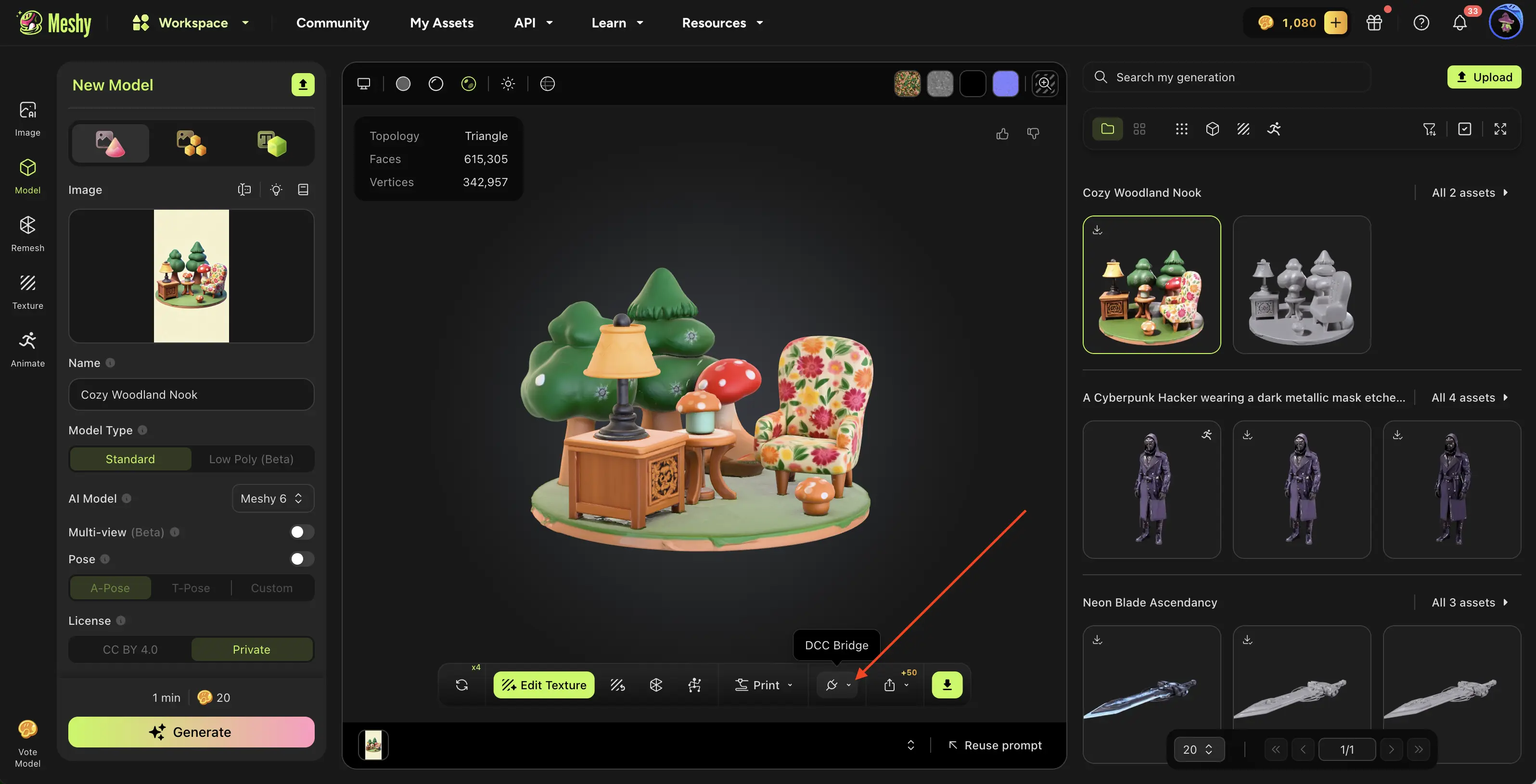
In the viewer toolbar, click DCC Bridge (the plug icon).
-
Click Send to 3ds Max.
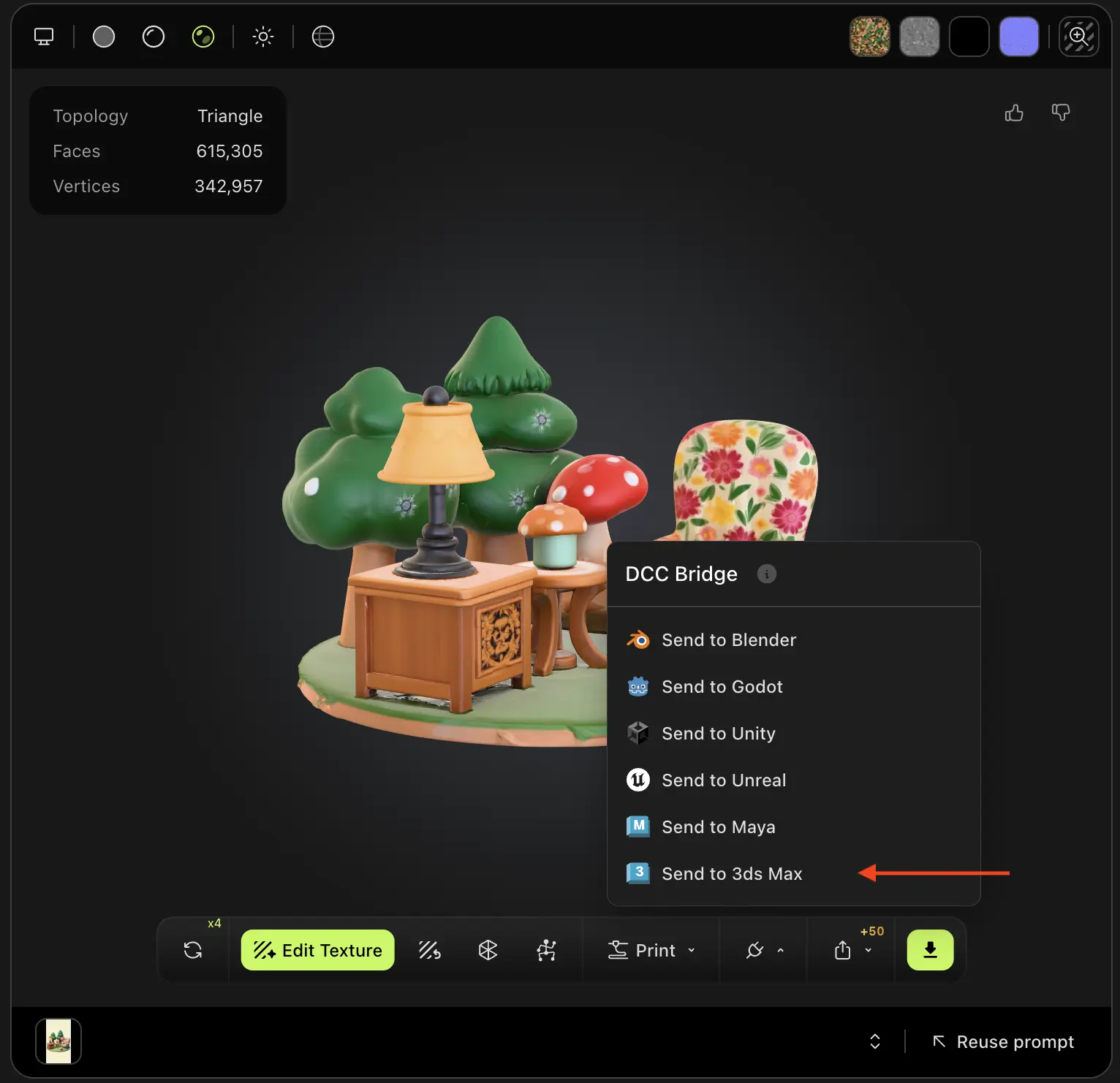
Meshy sends the model as an FBX file. The plugin imports it into the open scene, gives its objects names that start with Meshy_, and builds a Physical Material from its textures.
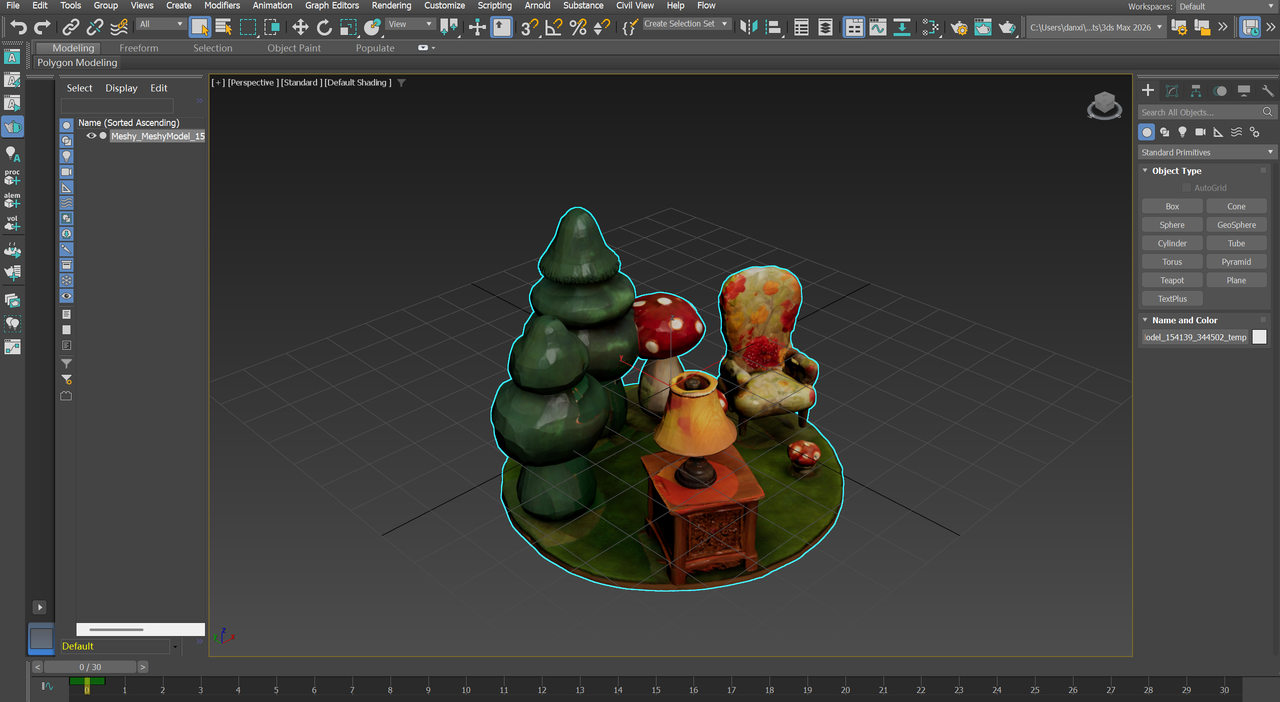
You can send any model in your generations, whichever tool made it, except a Smart Rig result or an Ultra 4K model.
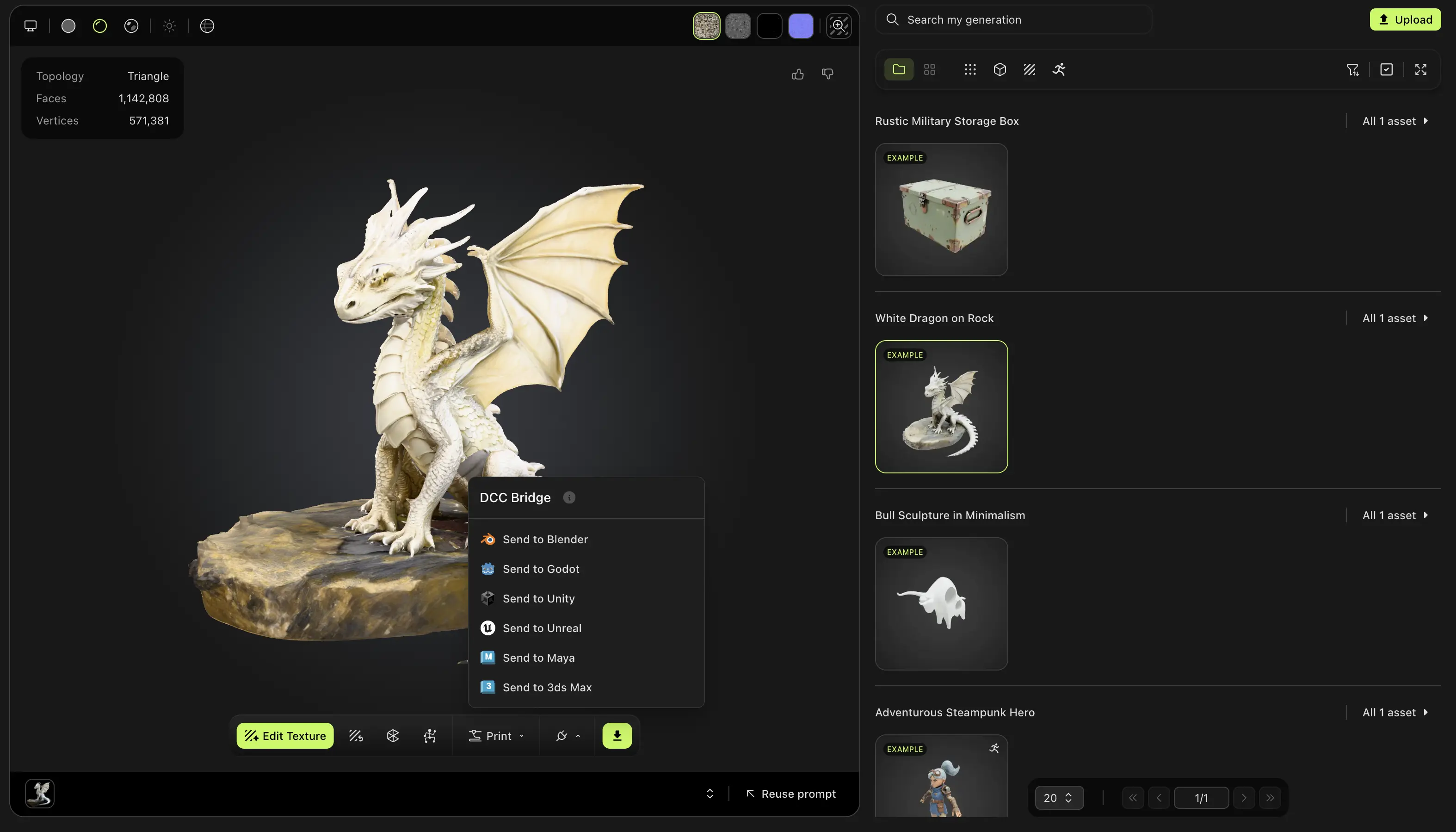
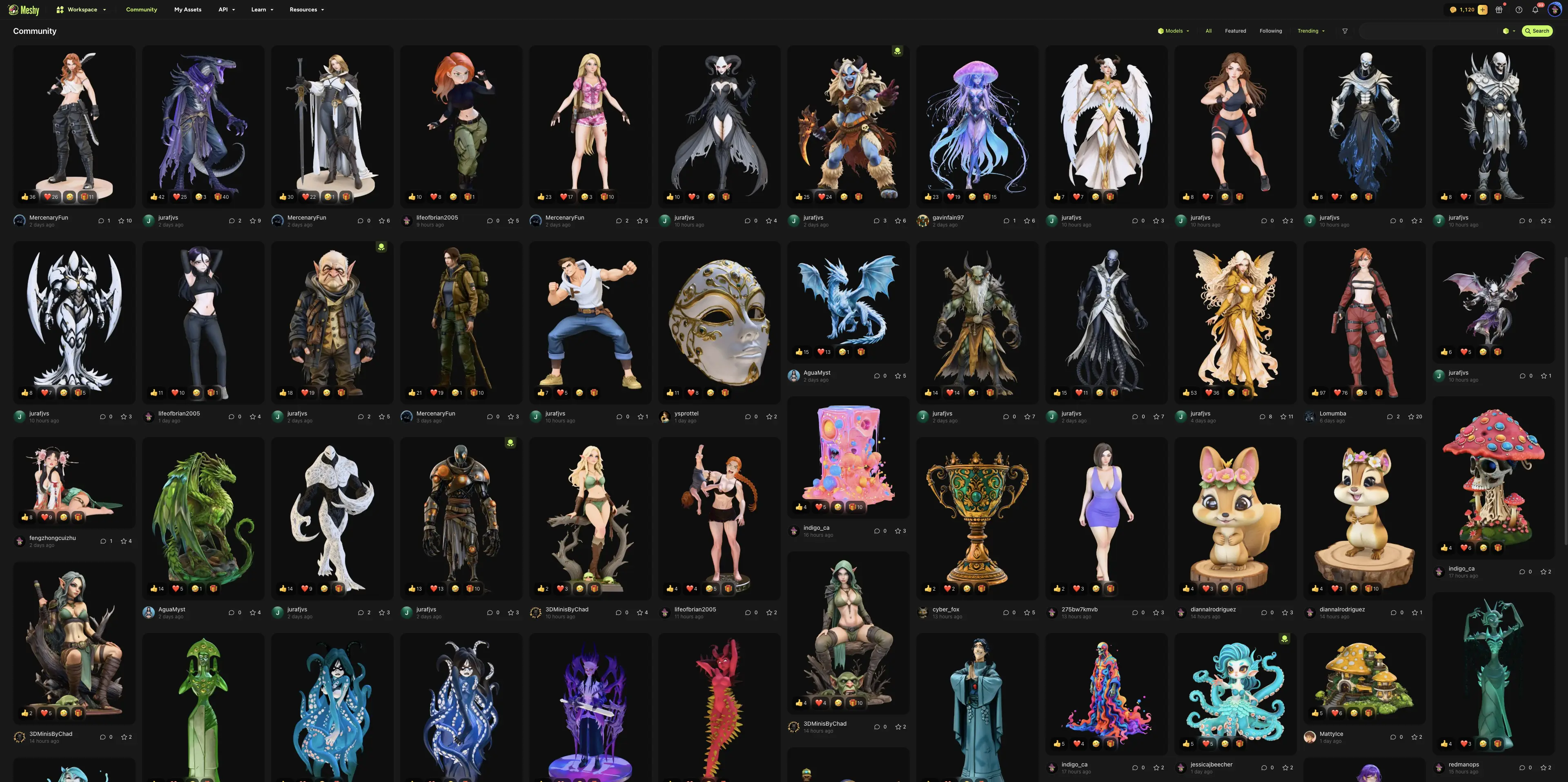
You can also send a model that another user shared in Community. Open the model, click DCC Bridge, and then click Send to 3ds Max.
Troubleshooting
The following table lists common problems, their causes, and how to fix them.
| Problem | Cause | Fix |
|---|---|---|
| Meshy shows "Failed to send model to 3DS Max" | 3ds Max isn't open, the bridge isn't running, another app uses port 5329, or your browser blocks access to your local network. | In the Meshy Bridge for 3ds Max window, click Run Bridge, and then send the model again. If your browser asks for local network access, allow it for Meshy. If the send still fails, close any other app that uses port 5329. |
| After you click Run Bridge, the status stays "Status: Stopped" | Another app uses port 5329, such as a second 3ds Max session with the bridge on. | Close the other app or stop its bridge, and then click Run Bridge again. |
Next steps
- To bring a rigged character and its animation into 3ds Max, see Animated models.