Meshy for Unity
Install the Meshy plugin in the Unity Editor so you can send models from the Meshy web app straight into your Unity scenes.
Before you begin
-
Download the plugin, a
.unitypackagefile, from the Meshy for Unity integration page. -
You need a Meshy account. To send models with the bridge, you need a Pro plan or higher.
The plugin needs Unity 2021.3 or later. Meshy tested it with Unity 6 (6000.0.45f1).
Install the plugin
To install the plugin, follow these steps:
-
In the Unity Project window, right-click Assets, and then click Import Package > Custom Package.

-
Select the
.unitypackagefile you downloaded. -
In the Import Unity Package dialog, click Import.
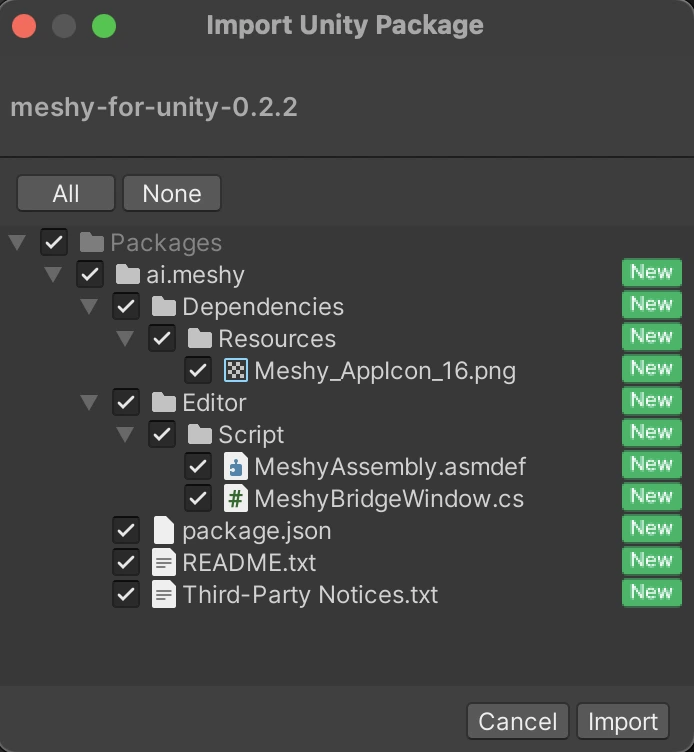
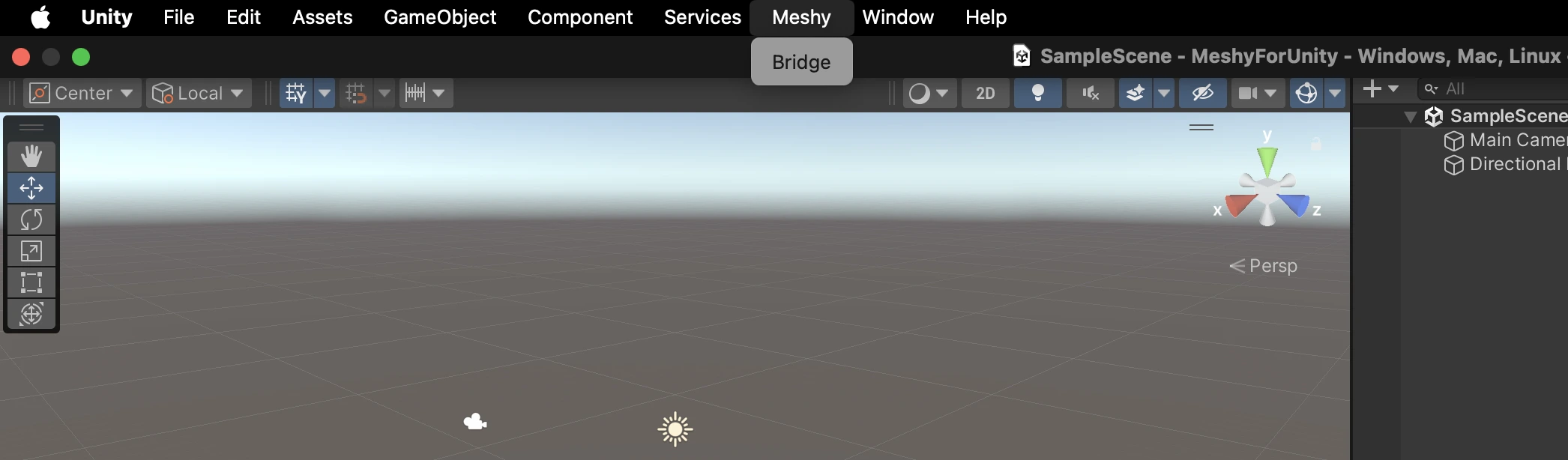
When the import finishes, a Meshy menu appears in the Unity menu bar. It contains Bridge, which opens the window you use to receive models.
Next steps
-
To send your first model from Meshy to Unity, see Bridge to Unity.
-
To import a rigged character with its animation, see Animated models.