Core Concepts
The foundational 3D concepts behind Meshy — mesh, textures, topology, UV mapping, and rigging — and how they connect in one workflow.
TL;DR
-
A mesh is the skeleton of a 3D model, composed of vertices, edges, and faces. Polygon count directly affects performance and quality.
-
Textures add color and surface detail. PBR textures include Albedo, Normal, Roughness, and Metallic maps.
-
Topology describes how faces are arranged. Good topology = animatable + deformable + efficient rendering.
-
UV Mapping is the process of unwrapping a 3D surface into 2D space, determining how textures are applied to the model.
-
Rigging binds a bone/skeleton system to a model, enabling animation.
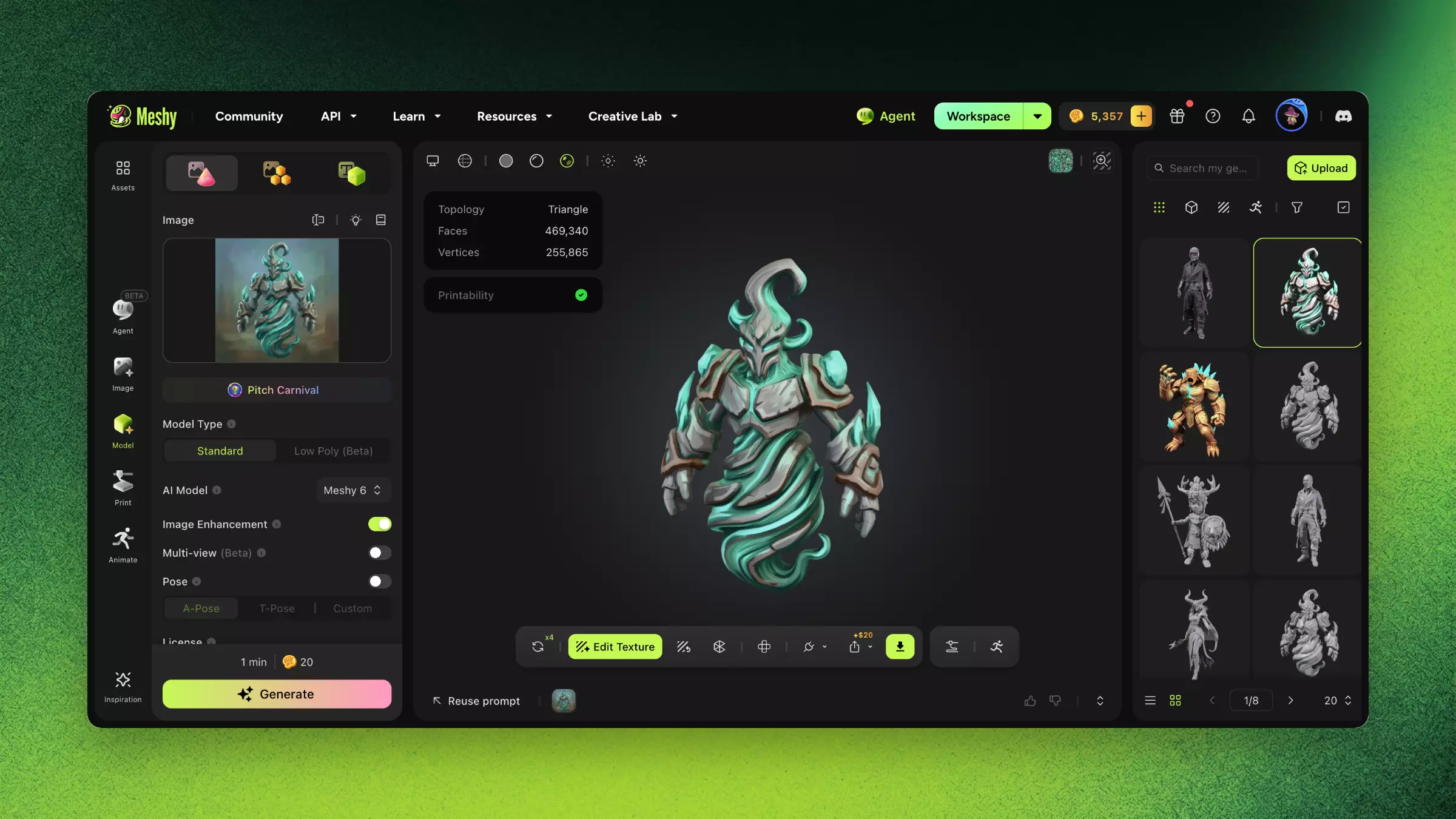
Glossary Quick Reference
| Term | Definition |
|---|---|
| Mesh | 3D geometry composed of vertices, edges, and faces |
| Polygon Count | Number of faces in a model. Game assets typically < 50K; film can reach millions |
| PBR Textures | Physically Based Rendering maps: Albedo, Normal, Roughness, Metallic |
| Topology | Arrangement and flow of faces. "Clean topology" = even quads following structure |
| UV Mapping | Unwrapping a 3D surface to 2D space so textures map correctly |
| Rigging | Binding a bone/skeleton system to a model for animation |
| Normal Map | RGB texture simulating surface bumps without adding geometry |
| LOD | Level of Detail — different resolution models for different viewing distances |
| Watertight Mesh | A closed mesh with no holes — required for 3D printing |
| GLB/GLTF | Open 3D file formats, the standard for web and real-time rendering |
| FBX | Autodesk format, the primary exchange format for game engines (Unity/Unreal) |
| STL | Geometry-only format, the standard input for 3D printing |
| USDZ | Apple's AR format for Quick Look and Reality Composer |
How These Concepts Connect in Meshy
The Meshy workflow moves through these concepts in sequence:
-
Generation (Text/Image/Chat → Mesh + Texture): AI creates a mesh and applies initial textures.
-
AI Texturing (Mesh → PBR Textures): Optionally re-generate or enhance textures with PBR maps.
-
Remesh (Mesh → Optimized Mesh): Reduce or optimize polygon count while preserving shape.
-
Unwrap UV (Mesh → UV Layout): Generate clean UV maps for custom texture workflows.
-
Rigging (Mesh → Skeleton + Mesh): Bind a bone structure for animation.
-
Export (All → Target Format): Package mesh + textures + rig into your chosen format.
FAQ
- What is a mesh in 3D modeling?
- A mesh is the geometric structure of a 3D model, made of vertices, edges, and faces. Polygon count affects both quality and performance.
- What are PBR textures?
- PBR (Physically Based Rendering) textures simulate real-world light using Albedo, Normal, Roughness, and Metallic maps for realistic surfaces.
- What is topology and why does it matter?
- Topology is how faces are arranged on a mesh. Clean topology is essential for smooth animation, deformation, and efficient rendering.
- What is UV mapping?
- UV mapping unwraps a 3D surface into 2D space so textures apply correctly without seams or stretching.
- What is rigging in 3D?
- Rigging adds a bone/skeleton system to a model so it can be posed and animated. Meshy auto-rigs humanoid and quadruped models.
Related Links
-
Glossary — Complete A–Z terminology reference
-
Quick Start — Put these concepts into practice
-
AI Texturing — Deep dive into PBR texture generation