My Models & Asset Management
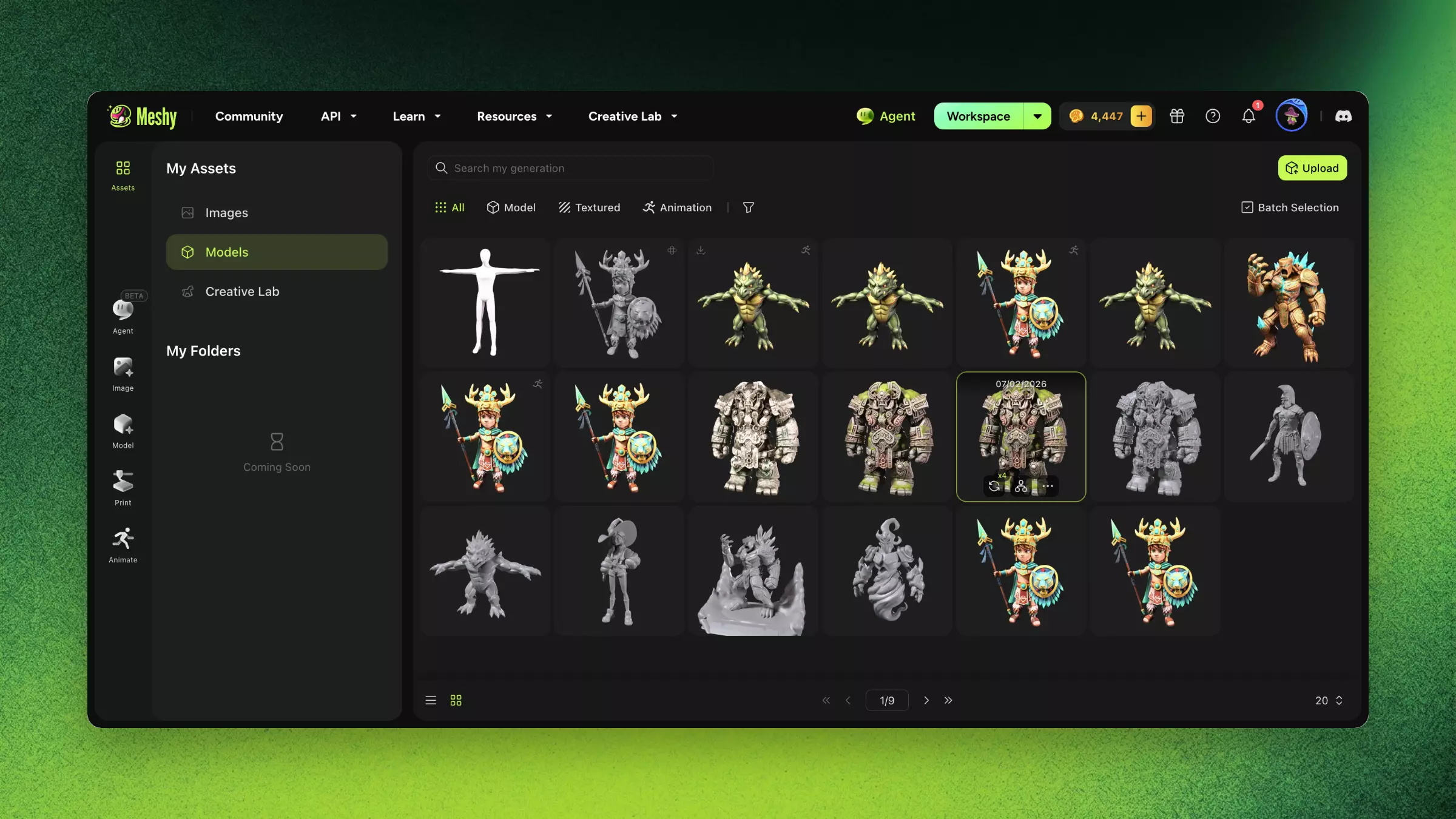
Organize, search, and version your 3D assets in Meshy My Models, uploading external meshes for post-processing and tracking every edit you make.
TL;DR
-
All generated models are saved in My Models, with support for search, filtering, and batch operations.
-
Supports uploading external models for post-processing (AI Texturing, Remesh, etc.).
-
Model version history is traceable: original generation → each post-processing step preserved as a version.
FAQ
- Where are my generated models stored in Meshy?
- All generated models are saved automatically in My Models, with search, filtering, and batch operations.
- Can I upload my own models to Meshy?
- Yes. You can upload external meshes for post-processing like AI Texturing and Remesh.
- Can I see previous versions of a model?
- Yes. Model version history is preserved — from the original generation through each post-processing step.
- How do I download multiple models at once?
- Use batch operations in My Models to select and download several assets together.
- Why can't I download my model?
- Make sure generation finished successfully and your plan allows download; check the model's status in My Models.
Related Links
- Text to 3D — Generation includes initial textures
- Image to 3D — Single image workflow with detailed parameters
- 3D Agent — Conversational batch concept generation with style consistency