Bridge to Godot
Learn how to use the DCC Bridge to seamlessly import Meshy 3D models directly into your Godot scenes.
Meshy now supports Godot bridging directly from the workspace. Pro members and above can send models to Godot following the steps below.
Run Bridge in Meshy-Godot Plugin
Open the Meshy Godot Plugin within Godot. Click Run Bridge to initialize and start the bridge connection.

Sending Models to Godot
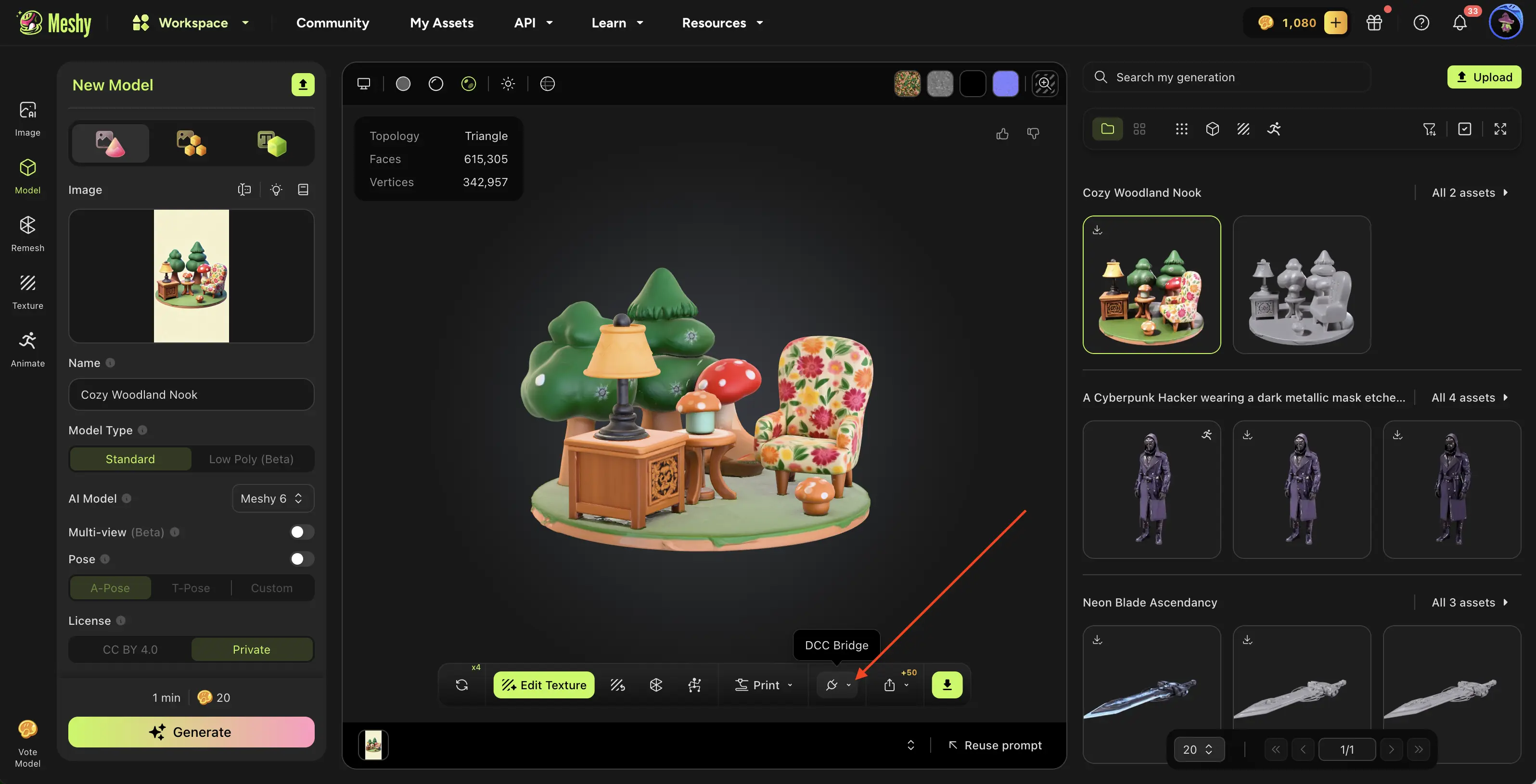
Navigate to the model you want in your MeshyAI workspace, click the DCC Bridge menu, and select Send to Godot.
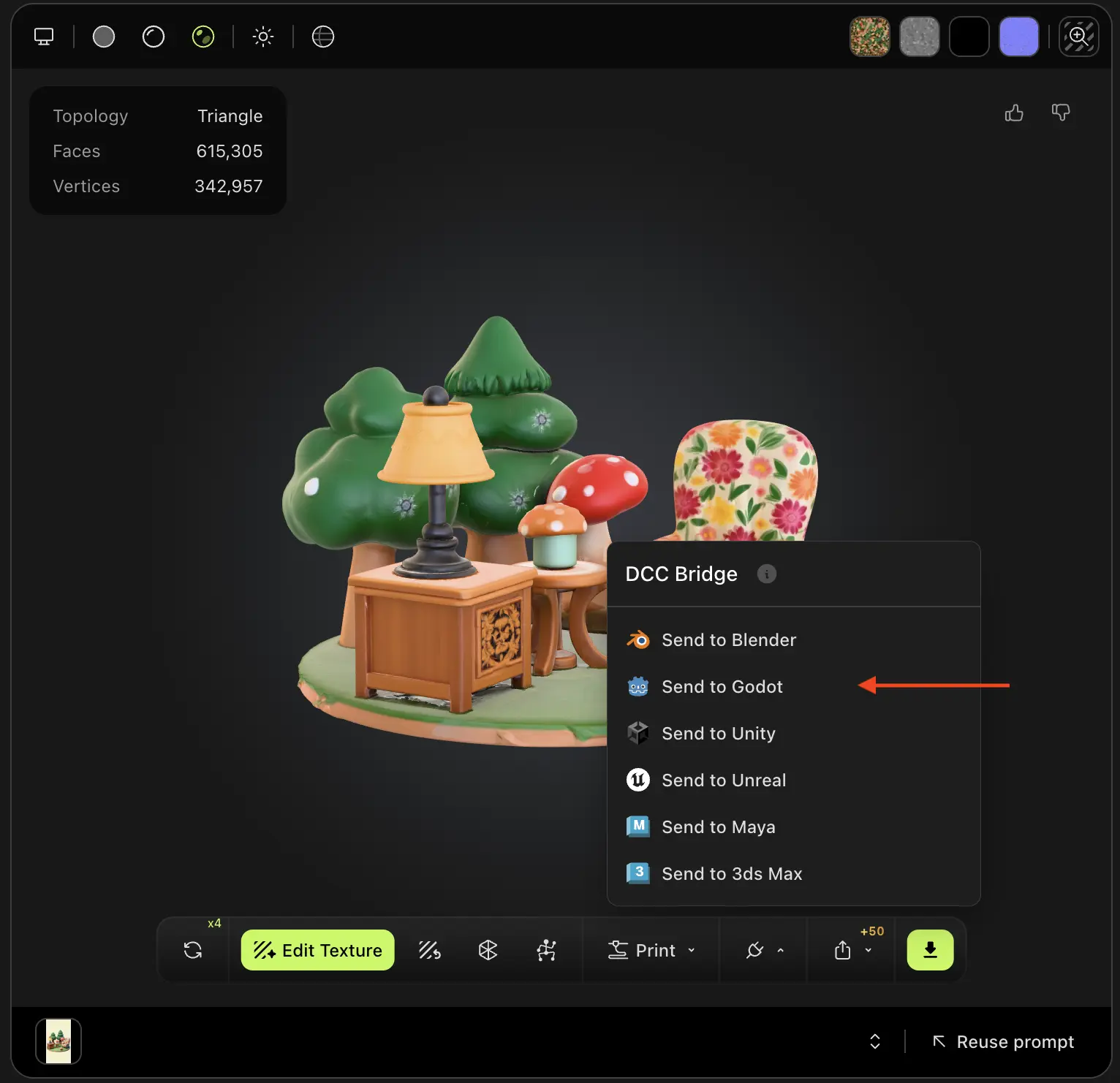
The model will be automatically downloaded and imported directly into your Godot scene.

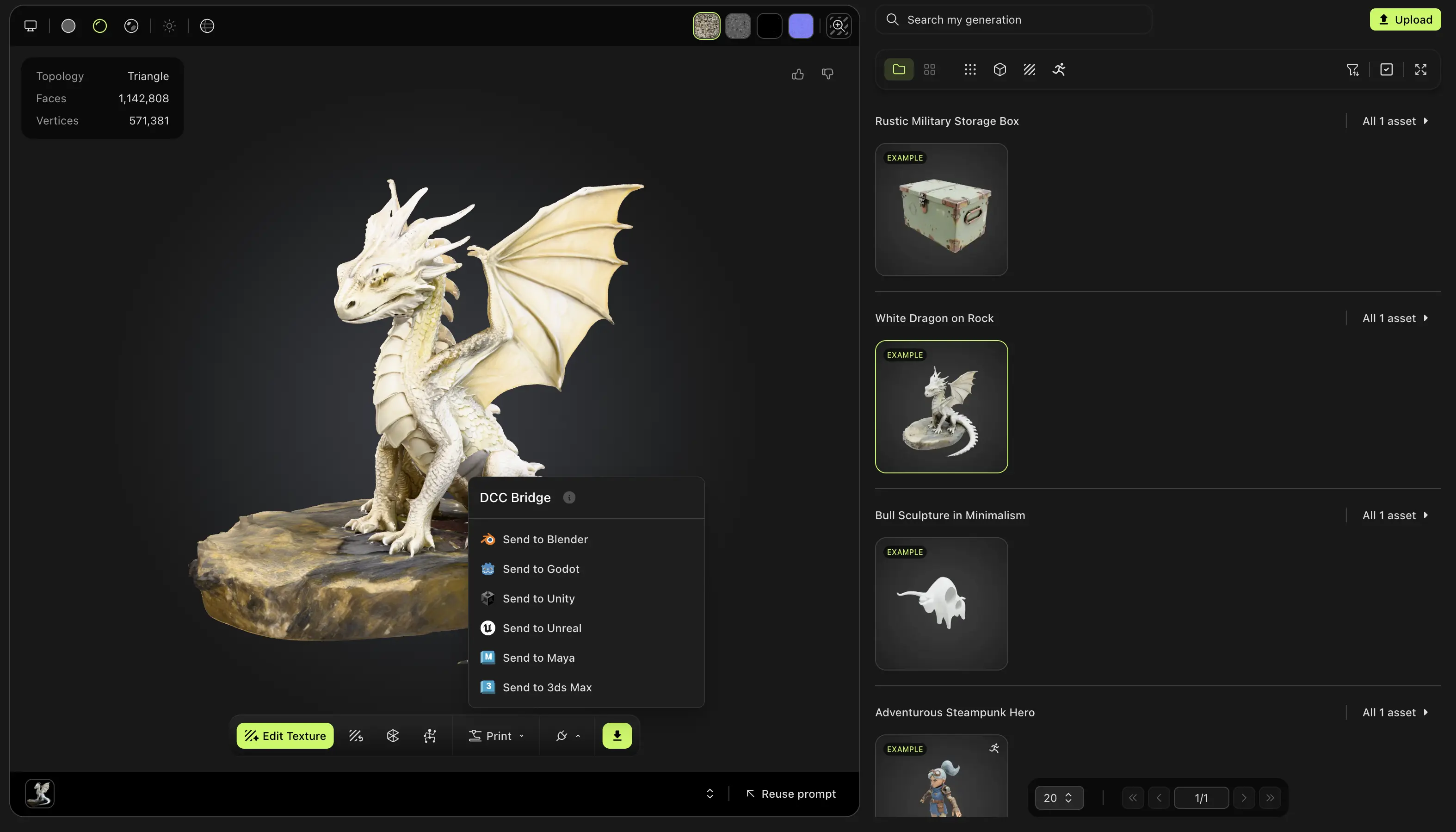
Any 3D model you generate in your workspace—regardless of the method used—can be effortlessly imported into Godot via the DCC Bridge.
Likewise, models published by other users in the MeshyAI community are fully supported and can also be seamlessly imported into Godot using the DCC Bridge integration.