Meshy documentation
Learn to create 3D assets from text, images, and chat with Meshy, in the web app, your 3D tools, your printing software, or your own code.
What is Meshy?
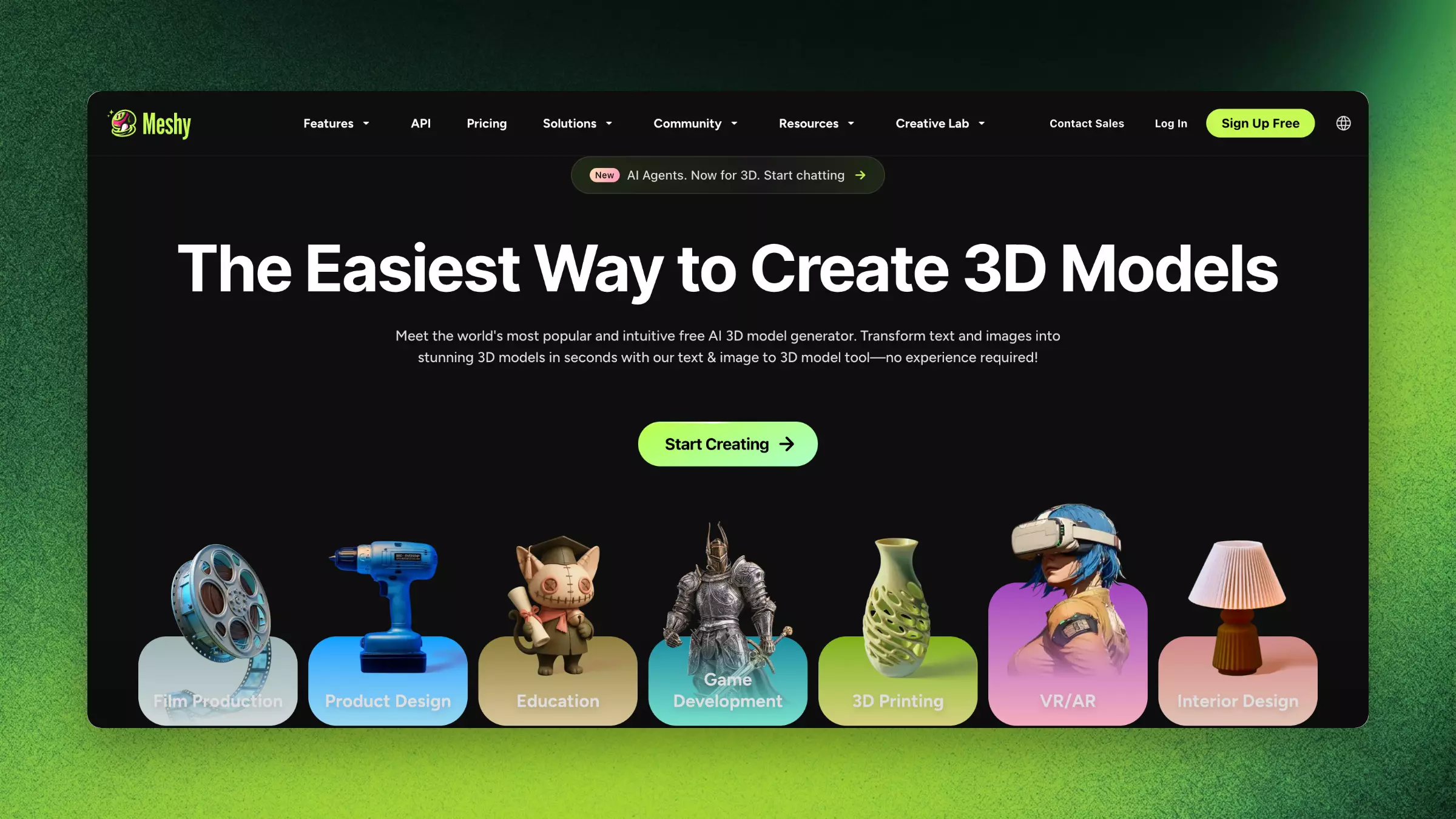
Meshy is a 3D modeling platform that uses AI to turn text descriptions, 2D images, and chat prompts into production-ready 3D assets. Game developers prototype characters with it, 3D artists explore concepts, makers create custom gifts, and hobbyists build models to 3D print. Meshy covers the whole workflow, from generation to post-processing and export.
The web app organizes its tools into six modules: Image, 3D Model, 3D Printing, Animate, Scene, and Video. Meshy 3D Agent adds a chat workflow, where you brainstorm, explore, and create 3D models in one conversation.
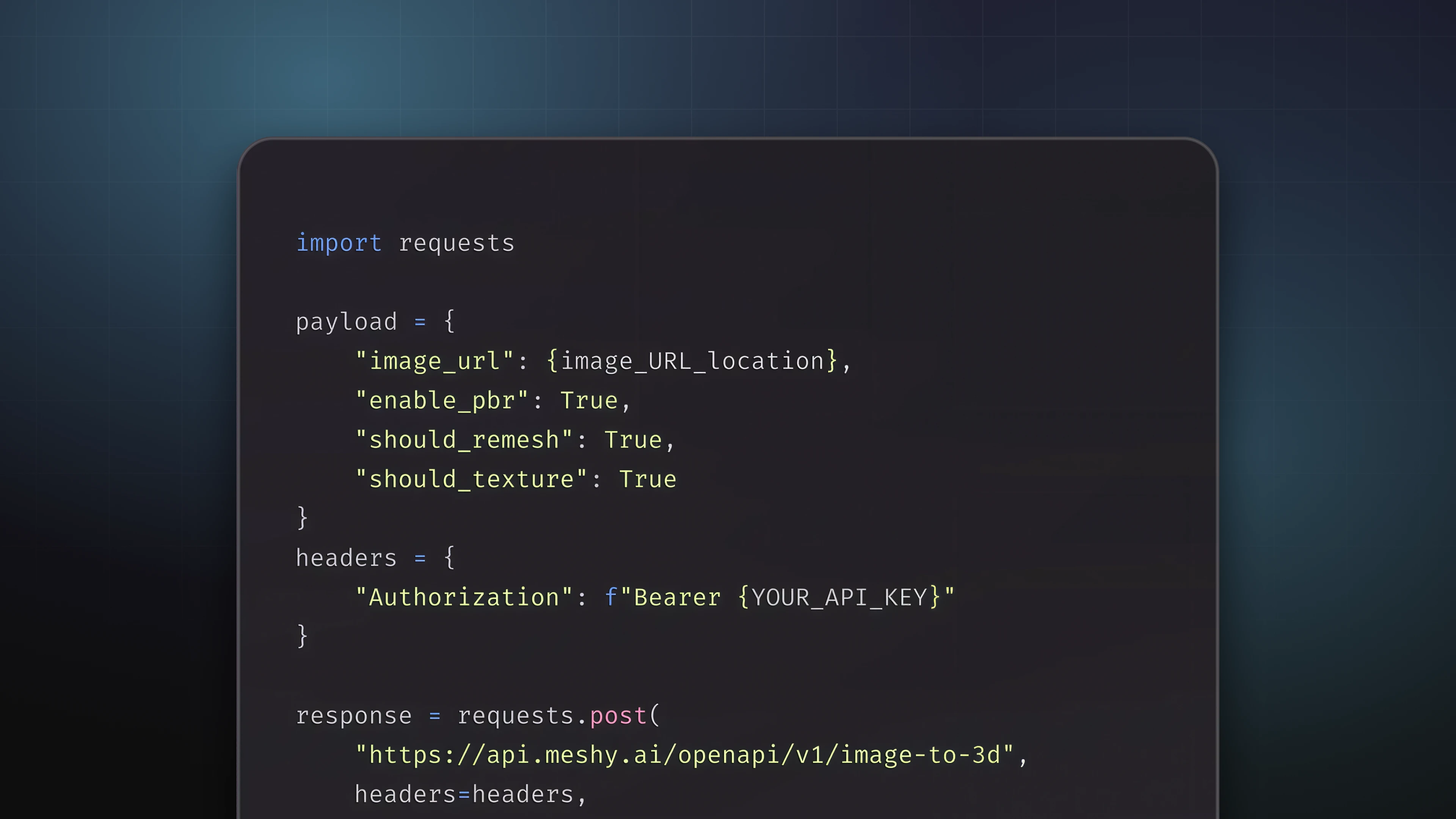
The API offers every generation capability as a REST endpoint, for developers who build at scale. You can test it in the Developer Platform, and connect AI agents to it with the MCP server.
Image to 3D runs on Meshy 7, a foundation model built to keep the result aligned with your input image.
Choose your path
You can use Meshy in four ways. All four use the same generation models and your Meshy account, and each has its own section in these docs.
Web App
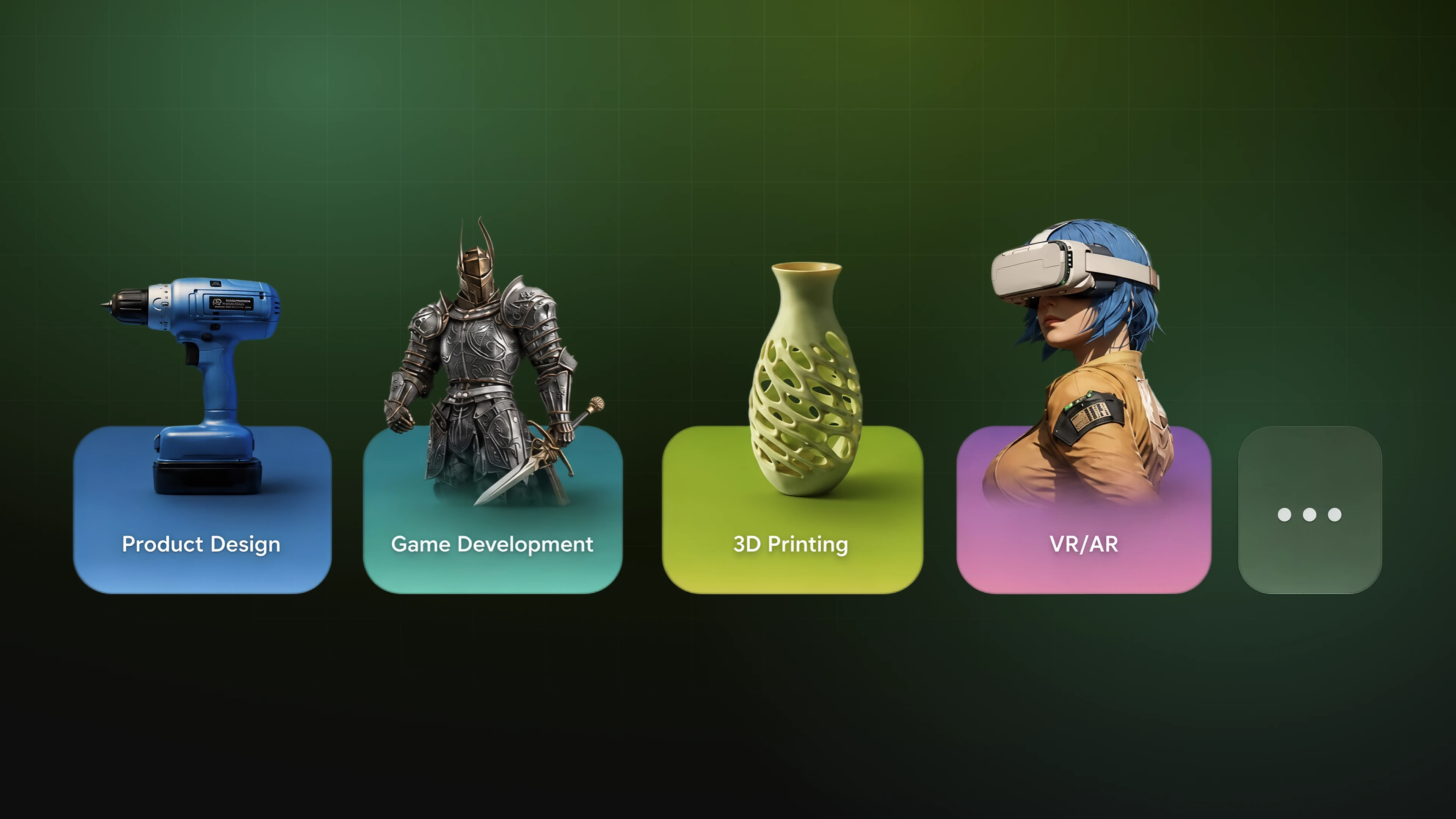
Generate and export 3D assets in your browser, with nothing to install.
API
Build 3D generation at scale into your own products and pipeline.
Plugins
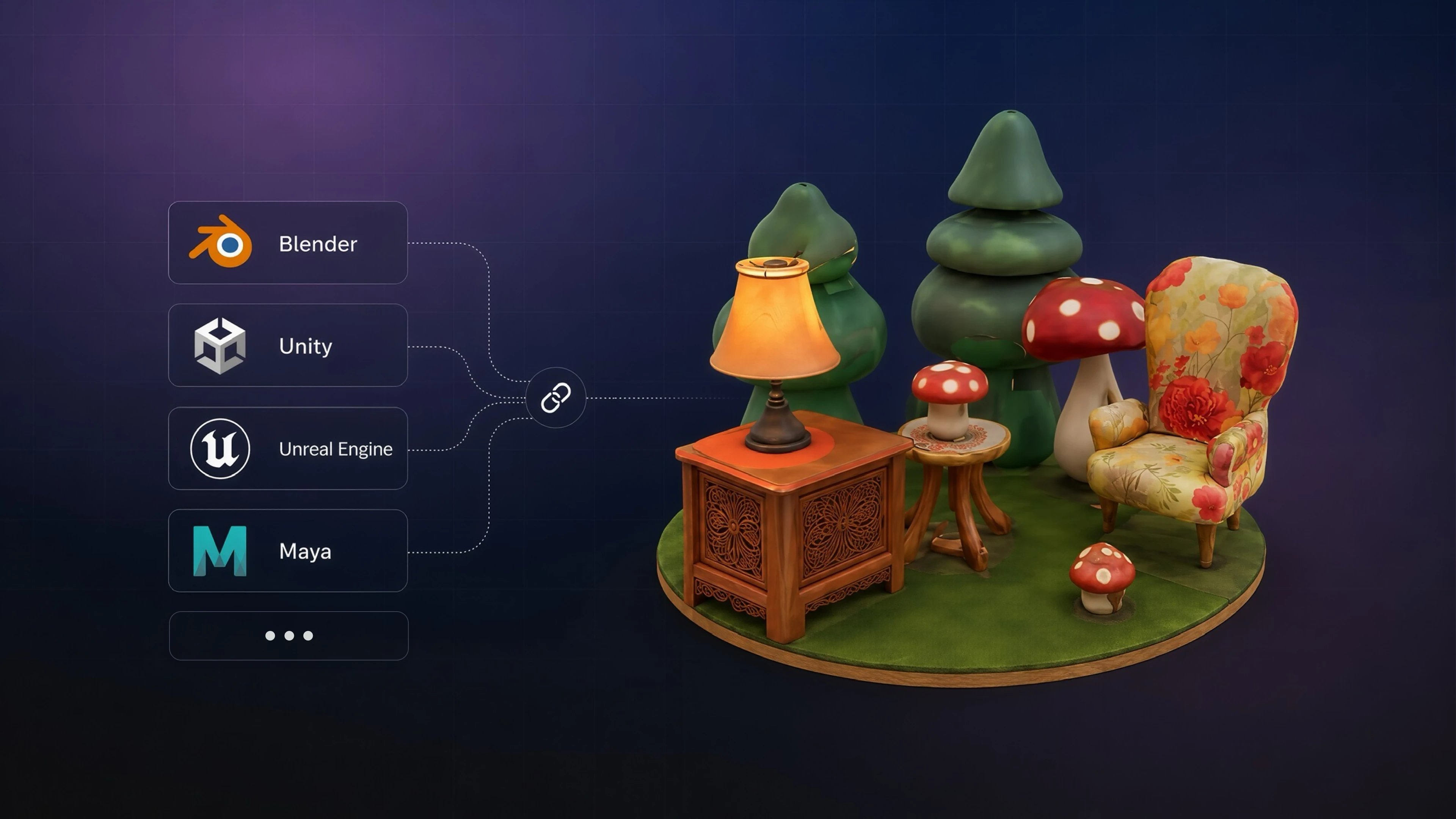
Use Meshy inside Unity, Blender, Maya, and other 3D tools.
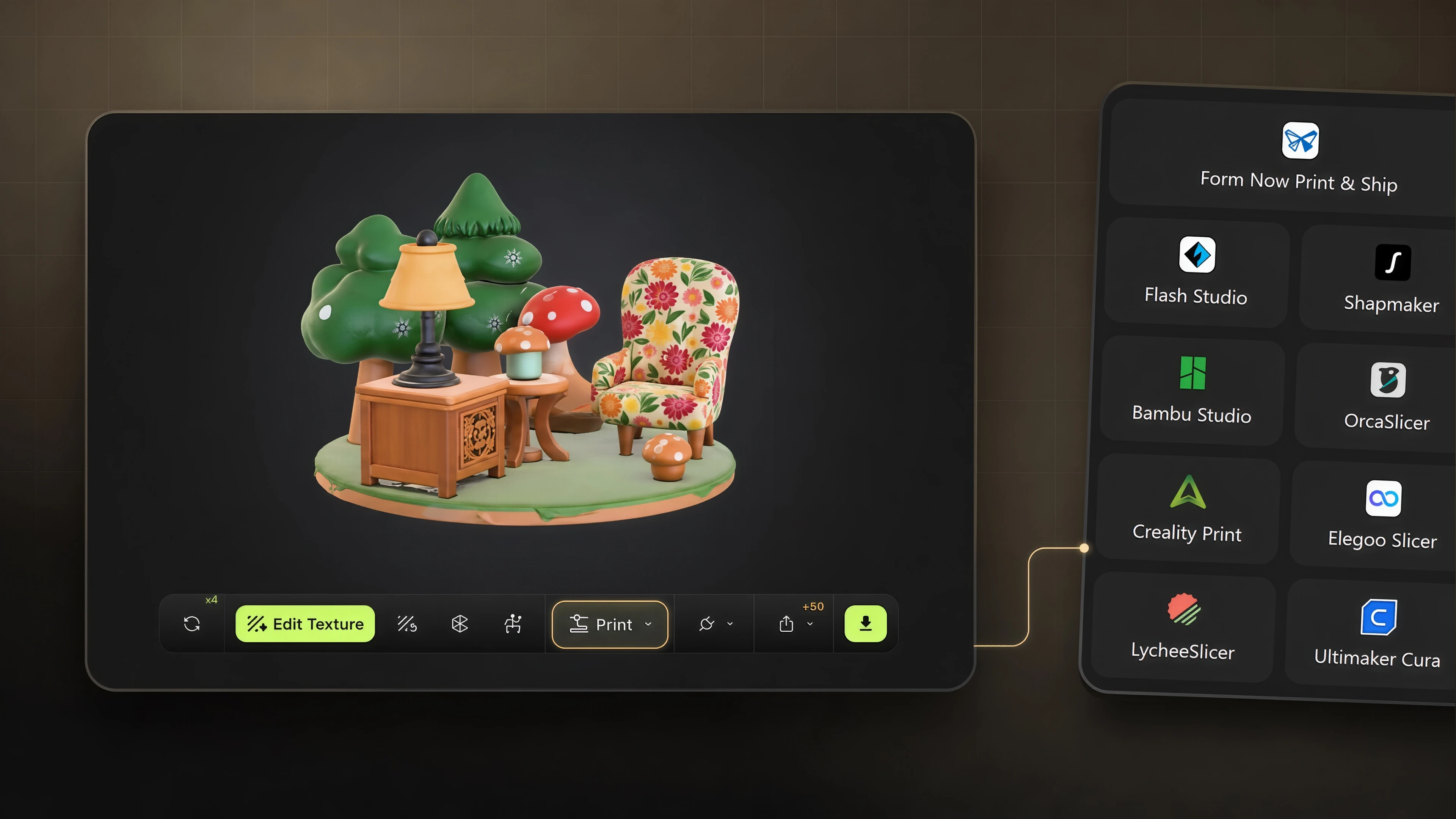
3D Printing
Turn a generated 3D model into a print-ready file.
Platform overview
The following table compares the generation models. Quality is rated out of 5 stars.
| Model | Release | Best for | Speed | Quality |
|---|---|---|---|---|
| Meshy 7 | 2026 | Most detail, highest precision | Under a minute | ★★★★★ |
| Meshy 6 | 2025 | High quality and stable structure | About 1 minute | ★★★★★ |
| Smart Topology | 2026 | Game development and real-time rendering | About 10 seconds | ★★★★★ |
Meshy exports these file formats:
| Format | Use case | Includes textures |
|---|---|---|
| GLB | Web, AR, universal exchange | ✅ Embedded |
| FBX | Unity, Unreal, DCC tools | ✅ Separate files |
| OBJ | Legacy workflows, DCC tools | ✅ MTL + textures |
| STL | 3D printing | ❌ Geometry only |
| USDZ | Apple AR Quick Look | ✅ Embedded |
| 3MF | 3D printing (color) | ✅ Embedded |
FAQ
- What is Meshy used for?
- Meshy is an AI 3D model generator that turns text, images, and chat prompts into production-ready 3D assets for games, AR/VR, 3D printing, and design.
- Is Meshy free to use?
- Yes. The Free plan includes 100 credits per month and needs no credit card, so you can generate models before you upgrade.
- Do I need 3D modeling experience to use Meshy?
- No. Meshy automates mesh, texture, and rigging generation, and the 3D Agent guides beginners from idea to finished model through chat.
- Does Meshy offer an API?
- Yes. The Meshy API has REST endpoints for Text to 3D, Image to 3D, texturing, remeshing, and animation. You can test them without code in the API Playground, and connect AI agents with the MCP server.
- What can I create with Meshy?
- Characters, props, environment objects, vehicles, figurines, and product models, from game assets to 3D-printable miniatures.
- What file formats can I export from Meshy?
- Meshy exports GLB, FBX, OBJ, STL, USDZ, and 3MF, covering game engines, 3D printing, AR, and DCC tools.